
Website Security Checklist for Small Business Owners
Is your business website actually secure? Use this practical checklist to find and fix the most common vulnerabilities before they cost you.

CloudComets Team
Engineering & Design Studio
Published by CloudComets Team
Why Small Business Websites Are Common Targets Many small business owners assume their site is too small to be worth attacking. In reality, small business sites are frequently targeted precisely because they tend to have weaker security than large enterprises — automated attacks don't discriminate by business size, they scan for the easiest vulnerabilities at scale.
The Checklist
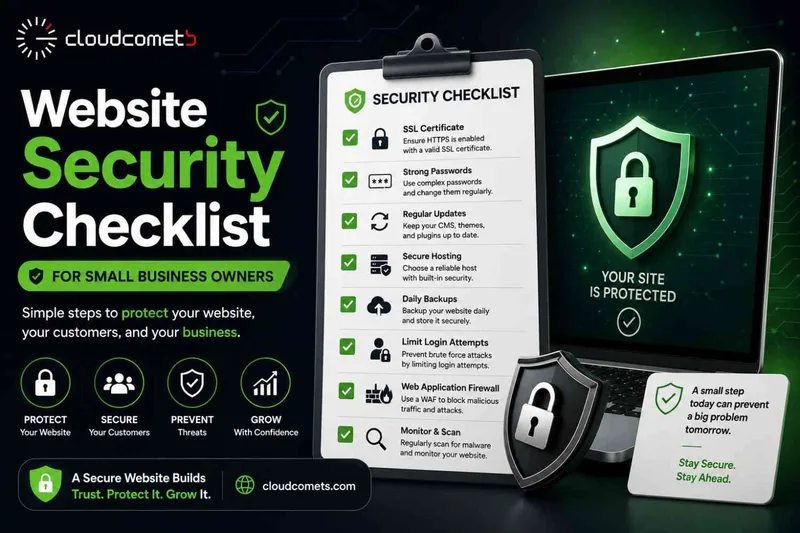
1. HTTPS Is Active Everywhere
Every page of your site should load under HTTPS, not just the homepage or checkout page. A missing SSL certificate is flagged by browsers as "not secure" — directly damaging trust before a visitor reads a word of your content.
2. Software and Plugins Are Up to Date
Outdated CMS versions and plugins are the most common entry point for attacks. Set a recurring schedule to check for and apply updates — don't wait for something to break.
3. Strong, Unique Admin Passwords
Default or reused passwords on admin accounts are one of the easiest ways in for attackers. Use a password manager and enable two-factor authentication wherever available.
4. Regular, Automated Backups
If your site is compromised, corrupted, or accidentally broken during an update, a recent backup is the difference between a five-minute fix and losing your site entirely. Backups should be automated, not something you remember to do occasionally.
5. A Web Application Firewall (WAF)
A WAF filters out malicious traffic before it reaches your site — blocking common attack patterns like SQL injection and brute-force login attempts automatically.
6. Limited Admin Access
Only people who genuinely need admin-level access should have it. Every additional admin account is another potential point of failure.
7. Secure Contact and Payment Forms
Any form collecting personal or payment information should be properly validated and encrypted — not just "working," but actually secure against common exploits.
8. A Monitoring System in Place
You want to know about a security issue within hours, not discover it weeks later when a customer mentions something looks wrong.
What Happens Without These Basics
A compromised website can mean downtime, stolen customer data, blacklisting by Google (which tanks your SEO overnight), and a serious trust hit with customers who find out. Most of this is preventable with basic, consistent maintenance.
Security Isn't a One-Time Setup
The checklist above isn't something you complete once and forget — it's an ongoing responsibility, similar to locking up a physical store every night. Businesses that treat website security as continuous maintenance, not a one-time task, are the ones that avoid becoming a statistic.
In Summary
Building right from the start ensures long-term performance, security, and growth for your digital presence.
Related Articles

How Much Does It Cost to Build a Website in 2026?
A clear breakdown of what it actually costs to build a business website in 2026 — by site type, features, and what drives the price up or down.
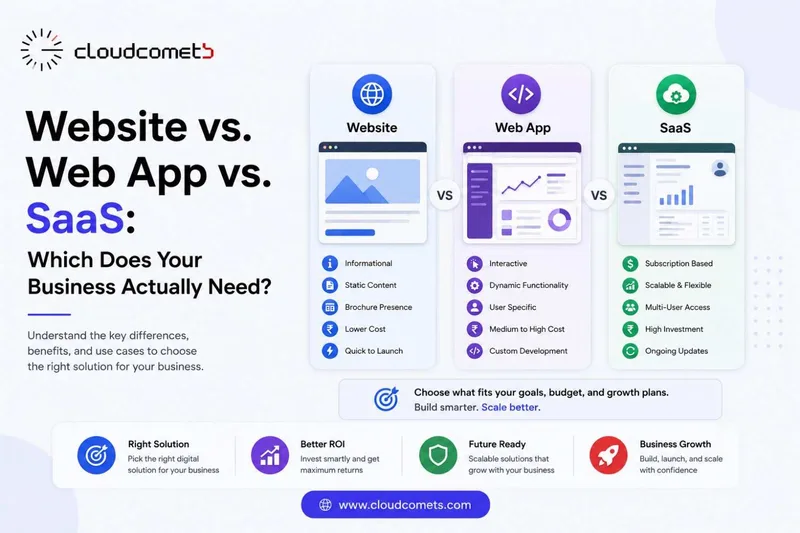
Website vs. Web App vs. SaaS: Which Does Your Business Actually Need?
Confused about whether you need a website, a web app, or a SaaS product? Here's a plain-English breakdown to help you choose correctly the first time.

10 Signs Your Business Website Needs a Redesign
Not sure if your website is holding your business back? These 10 signs will tell you whether it's time for a redesign.